Get Instant Access →
Create Digital Tools With AI · In 5 Minutes

What if your next product took 5 minutes to create, not 5 weeks?

A PDF gets downloaded and forgotten. A tool encourages the shift faster. Once someone feels that change in themselves, they'll come back to buy from you again and again. The AI Tool Creator Studio helps you build a real, usable tool with Claude, in 5 minutes, no code.

The AI Tool Creator Studio: create digital tools with AI in 5 minutes Yes, I Want Access

What used to take a creator weeks, if not months, now can take you just five minutes.

No code. No waiting on someone else to build your vision. Just you, AI, and a really fun way to create anything you put your mind to.

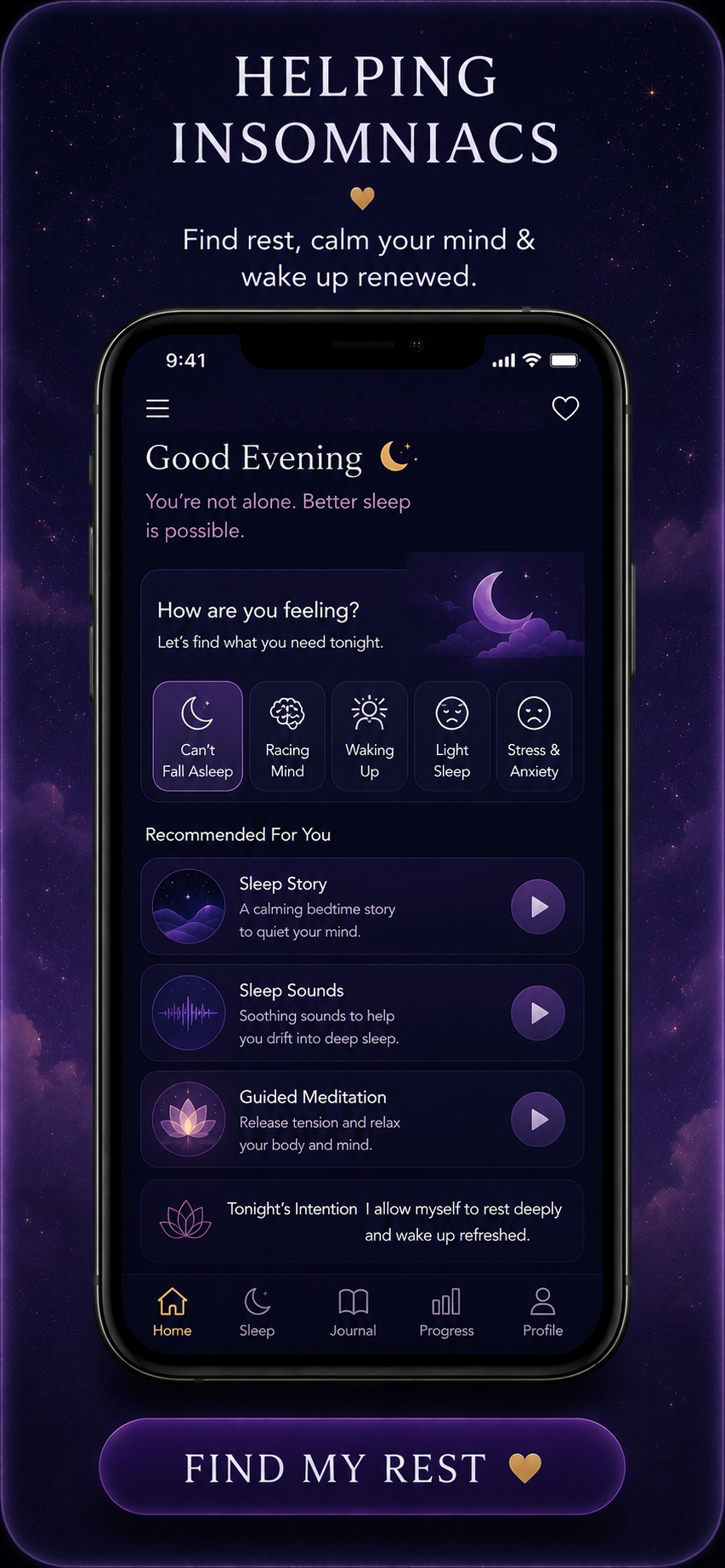
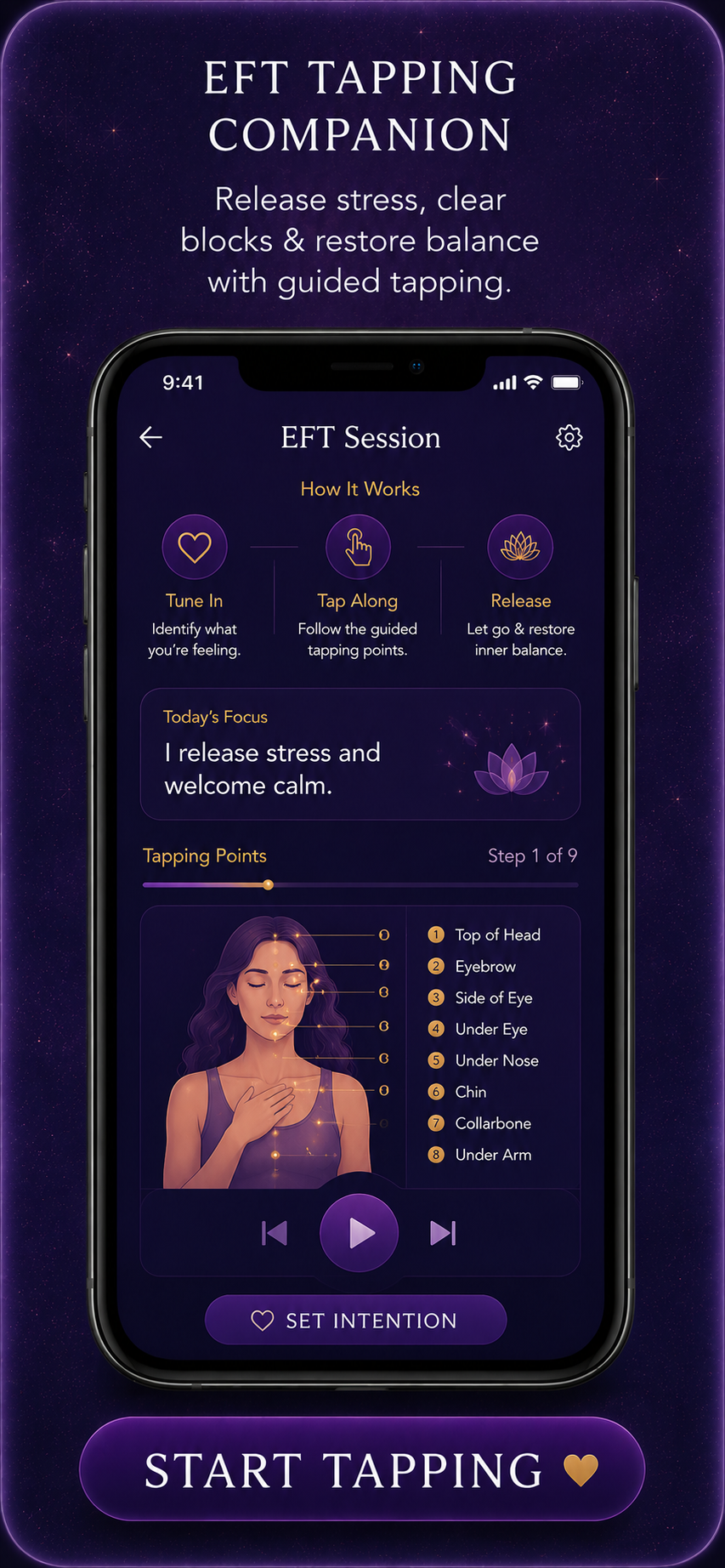
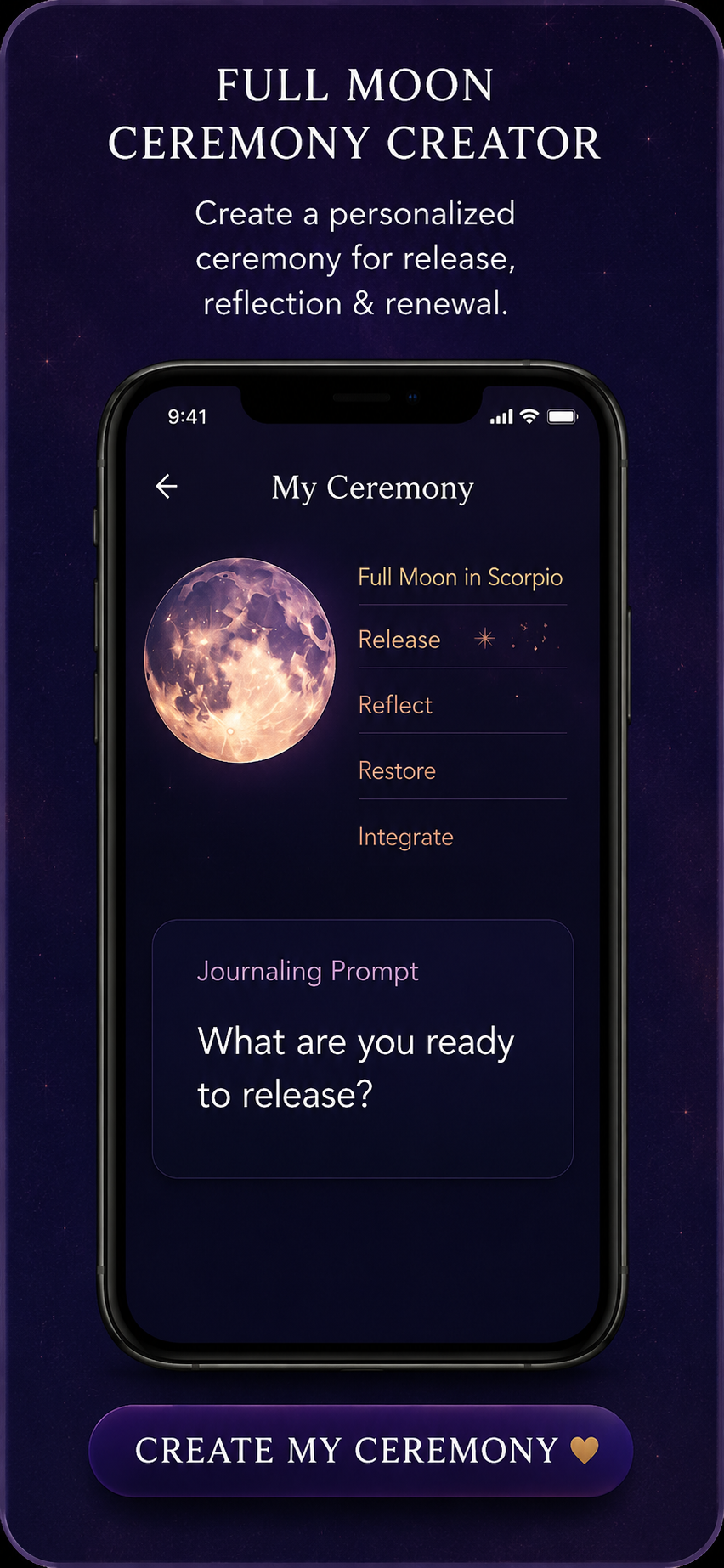
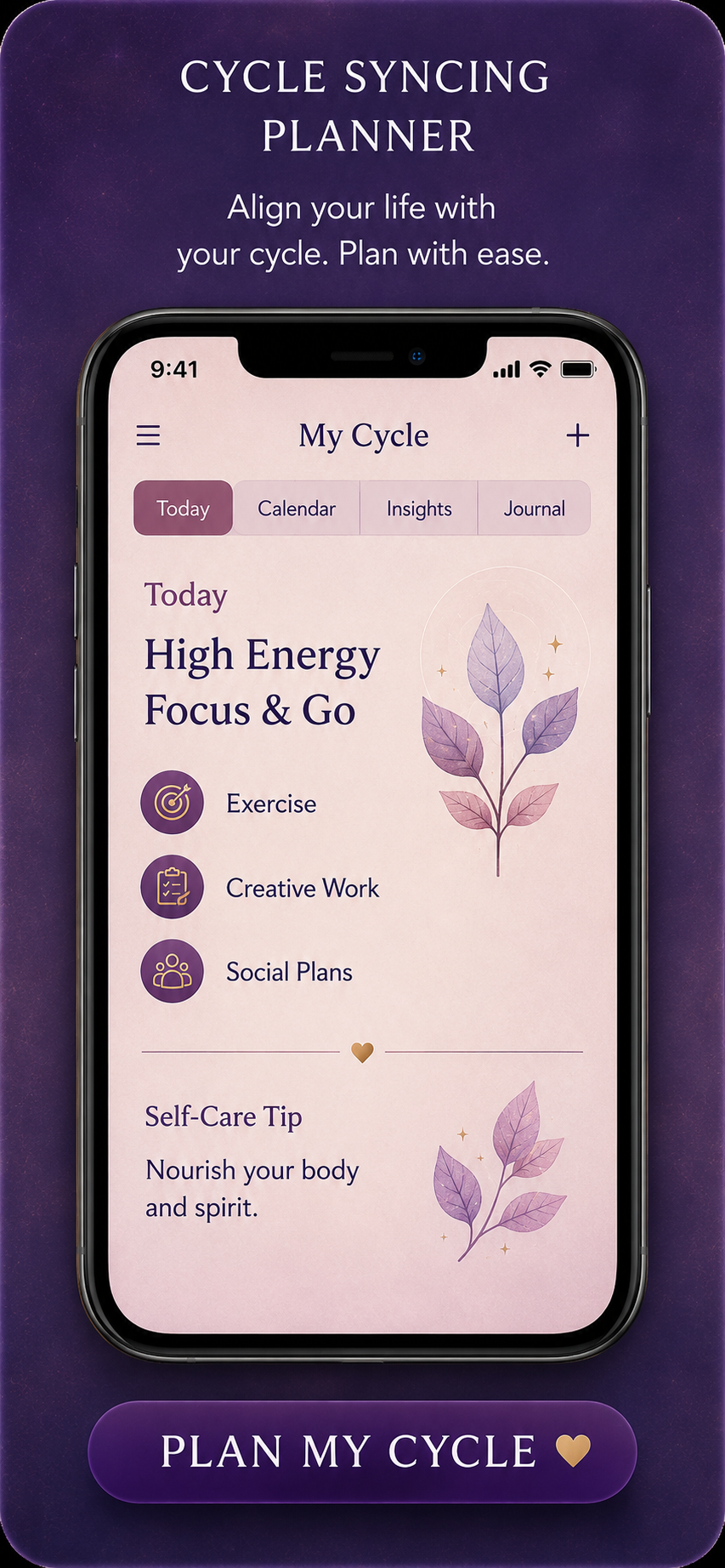
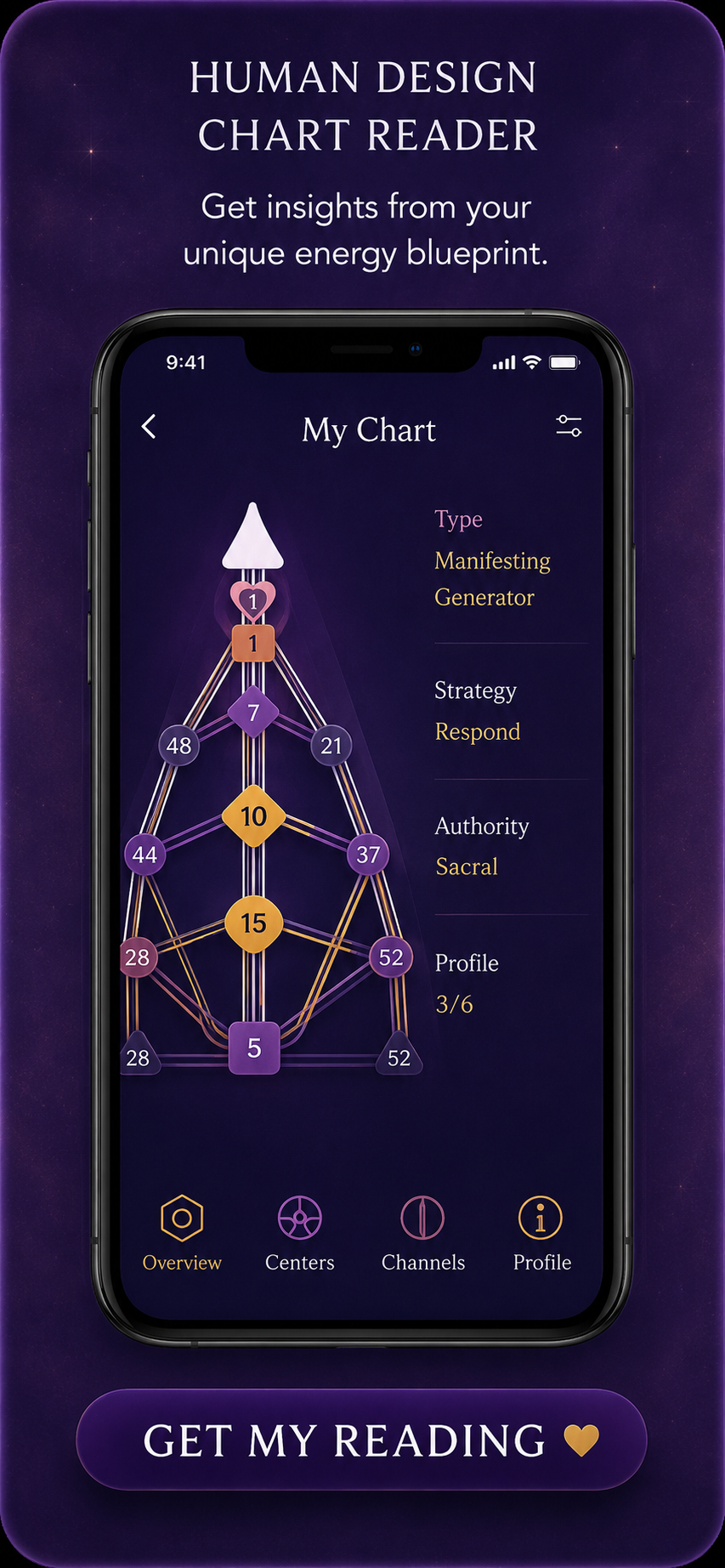
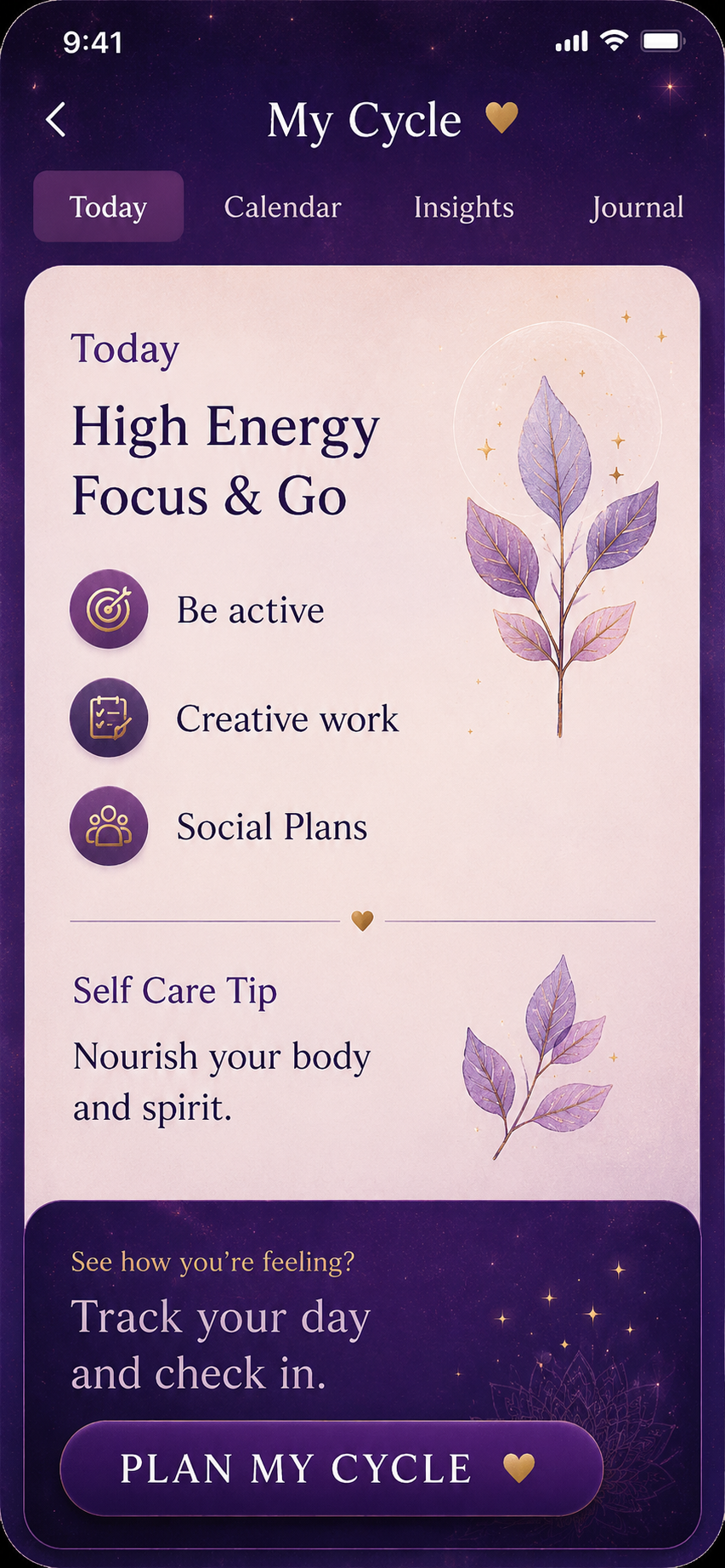
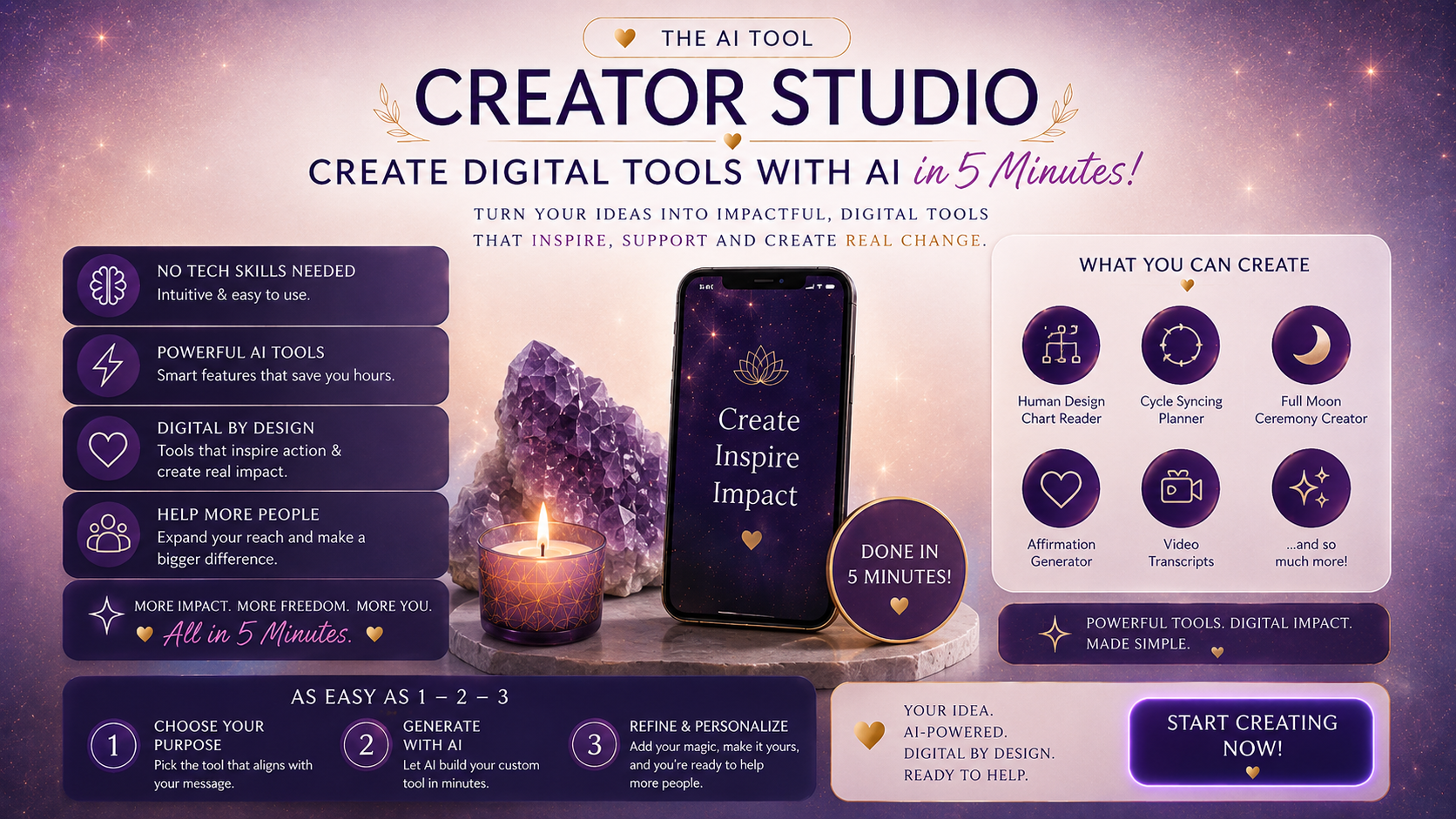
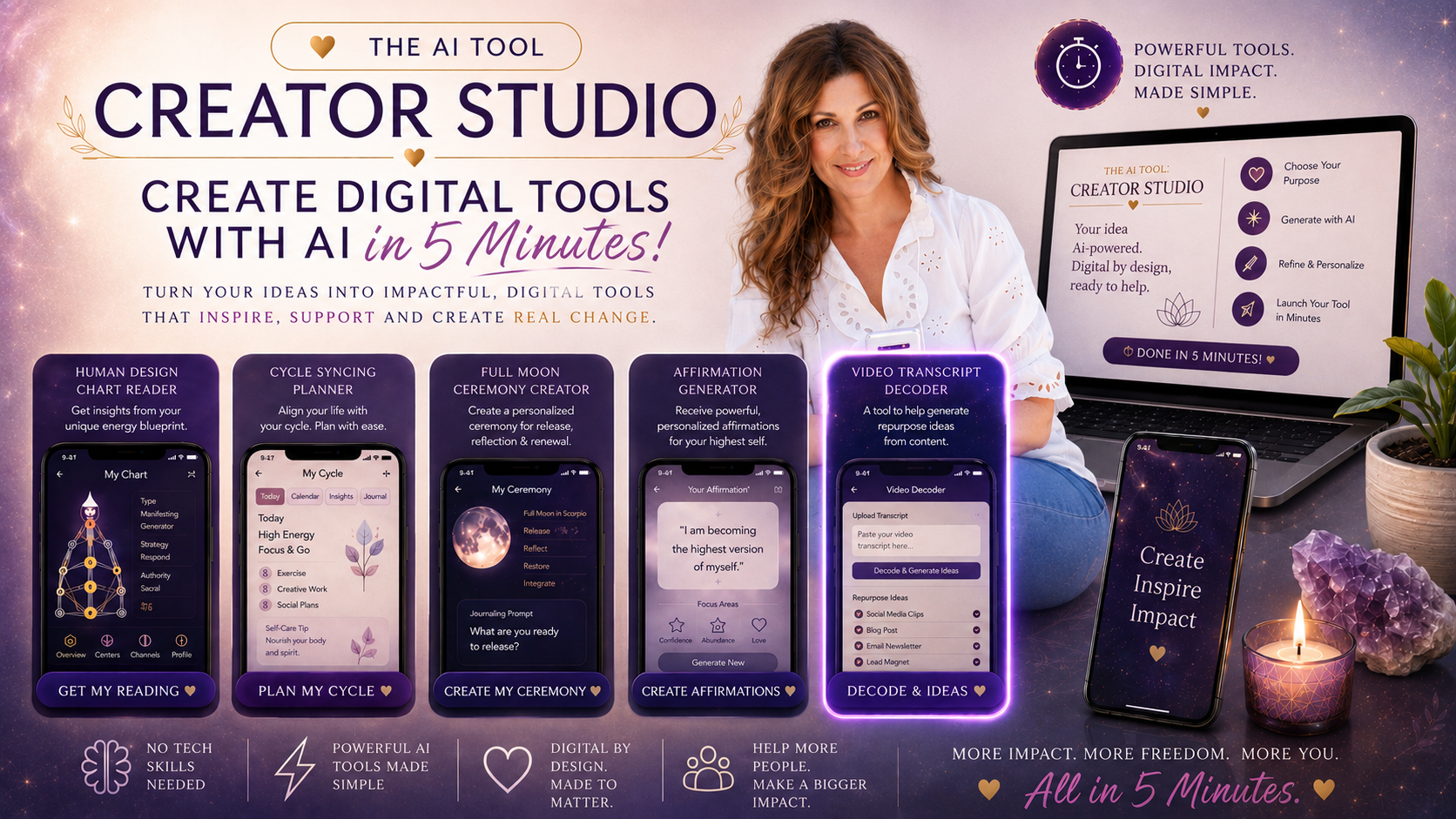
Helping Insomniacs sleep tool EFT Tapping Companion tool Full Moon Ceremony Creator tool Cycle Syncing Planner tool Human Design Chart Reader tool Cycle Syncing Planner, My Cycle screen Helping Insomniacs sleep tool EFT Tapping Companion tool Full Moon Ceremony Creator tool Cycle Syncing Planner tool Human Design Chart Reader tool Cycle Syncing Planner, My Cycle screen

This is for you if…

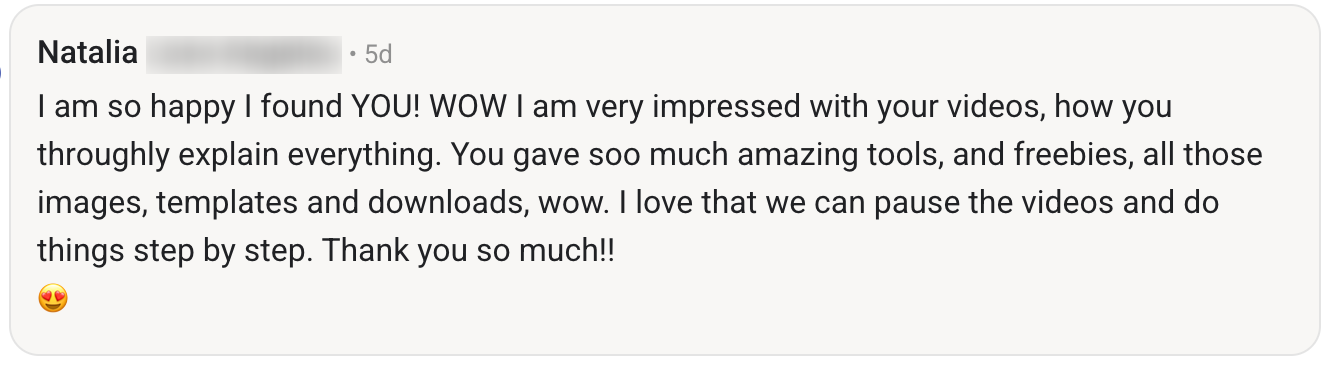
Customer testimonial from Natalia

What's InsideThe AI Tool Creator Studio

From idea to finished tool in 5 minutes
01

Built Before Your Coffee Goes Cold

The exact no-code process I use to turn one idea into a finished, ready-to-share digital tool in 5-10 minutes, even if you've never opened Claude in your life.

02

Build What People Are Already Buying

How to land on a tool idea people are already paying for (my bestseller hack), so you build something that will sell instead of staring at a blank page.

03

Tool Success Blueprint

Over 200 done-for-you easy to create tool concepts for you to literally hit the ground running and create.

04

One Method, Endless Tools

How to create any format you can think of: an interactive tool, a cheat sheet, a roadmap, a guide, without writing a single line of code.

05

Give Your Tool a Home

Exactly where to house your finished tool so it's live online, easy to share, and ready for your audience to use, with no tech headaches.

One-time payment · instant access · lifetime use

Yes, I Want Access

You're not short on ideas. You're short on ways to keep your audience engaged in what you've given them. This is the exact short cut to build a finished, ready-to-share digital tool in 5 minutes.

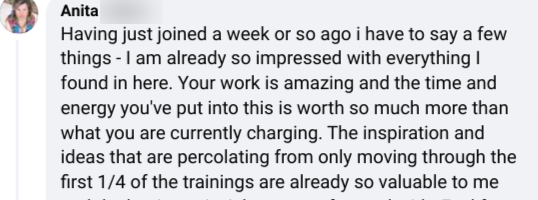
Customer testimonial from Shelly Customer testimonial about Social Glow and Empowered Elements Customer testimonial from Anita
The AI Tool Creator Studio, what you can create

"This is the total short cut to create digital tools with ease, not about spending hours learning, just building something people actually use."

Yes, I Want Access
Katie Young
I'll be honest with you....

I used to lose entire weekends building the workbooks, the PDFs, all the "helpful" extras for my courses or digital toolkits. Hours of formatting and fiddling, messing around with images, colors, etc.

As a creator, I read a statistic that really saddened me: 85-90% of people who buy a digital product never actually finish it. Not because they're lazy, but because it feels like too much effort to get through, so they give up before they ever get the result they came for. Your job as a creator is to make that result quick and easy to reach, because there's a shift that needs to happen almost immediately, before their attention taps out. By creating a tool that activates them to take action, you lead them to that "shift" so much more easily. And when you build tools that are genuinely made to matter, people come back and USE them again and again.

That's exactly why I built The AI Tool Creator Studio. To not only shortcut your creation process, but to activate you into what you really can make and put out into the world without losing months of your time.
Frequently asked.

Do I need to know how to code?
No, not a single line. The whole method is no-code. If you can click, copy and paste, you can build a finished, usable tool.
How long does it actually take to build a tool?
About 5-10 minutes per tool once you've watched the walkthrough, even if you've never opened Claude before.
What kinds of tools can I create?
Almost anything, an interactive tool, a cheat sheet, a roadmap, a guide. If you can picture it, you can build it and put your own stamp on it.
I don't know what to build. Will I be stuck?
No. You get the Tool Success Blueprint, over 200 done-for-you tool ideas, plus my bestseller hack for landing on something people are already paying for.
What will I need to create my tools?
You'll need Claude, but you can use the free plan if you wish. Either way, it's going to change how you create moving forward!

Create tonight. Sell tomorrow.

Yes, I Want Access

One-time payment · instant access · lifetime use